Meta’s Horizon OS 2.10 beta adds a media theater, reorganizes the Quest launcher and adjusts window resizing, calls and microphone controls.
A media space built around apps
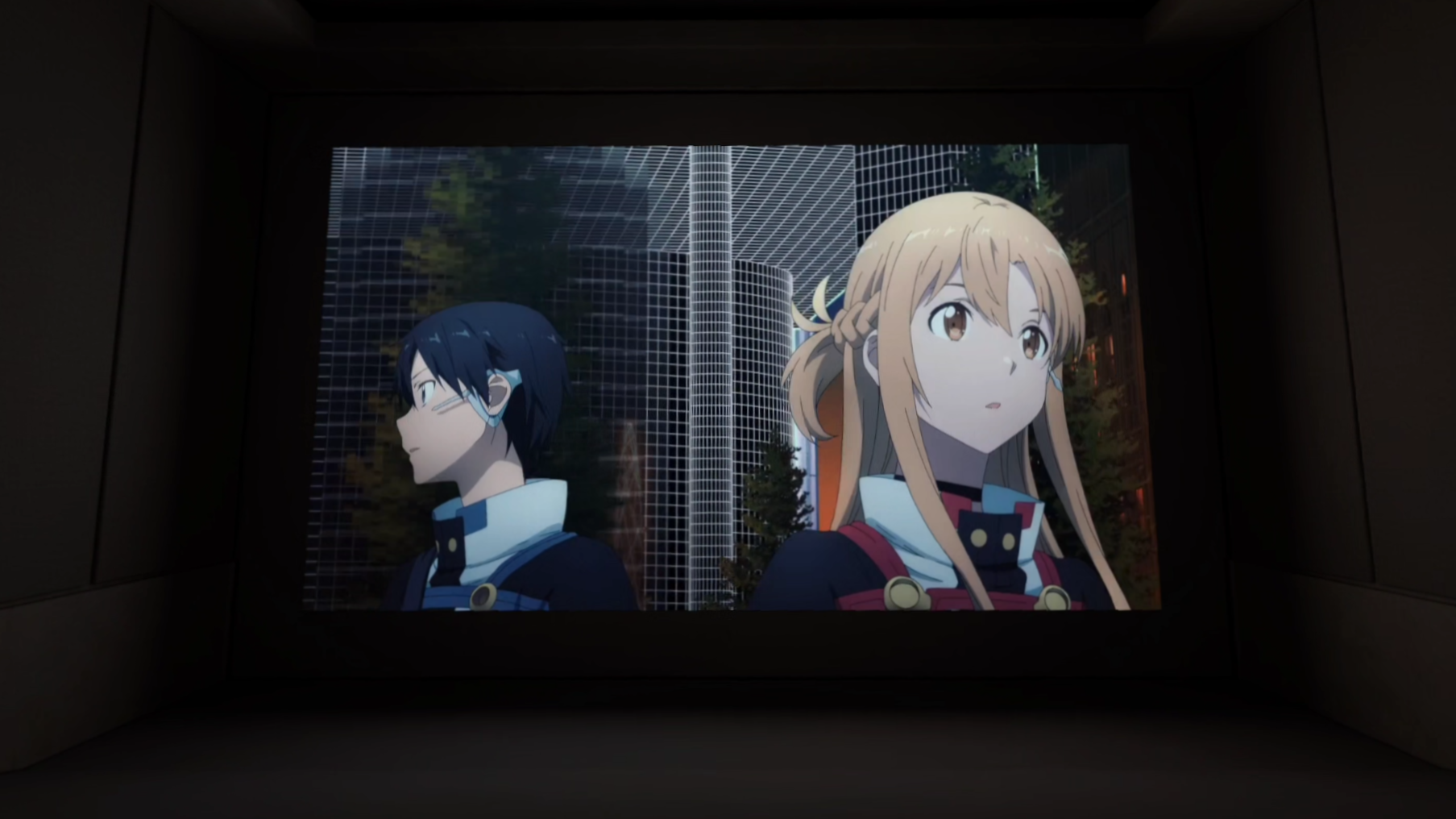
Meta’s Horizon OS 2.10 Public Test Channel release points to two priorities for Quest: making media viewing feel more intentional and simplifying the system interface. The most visible addition is Theater, a large, high resolution home theater environment that users can open from a window’s Control Bar. The redesigned Navigator, meanwhile, compresses system navigation into three tabs. Both changes are still in beta, and the interface redesign is reaching only a small number of users so far.
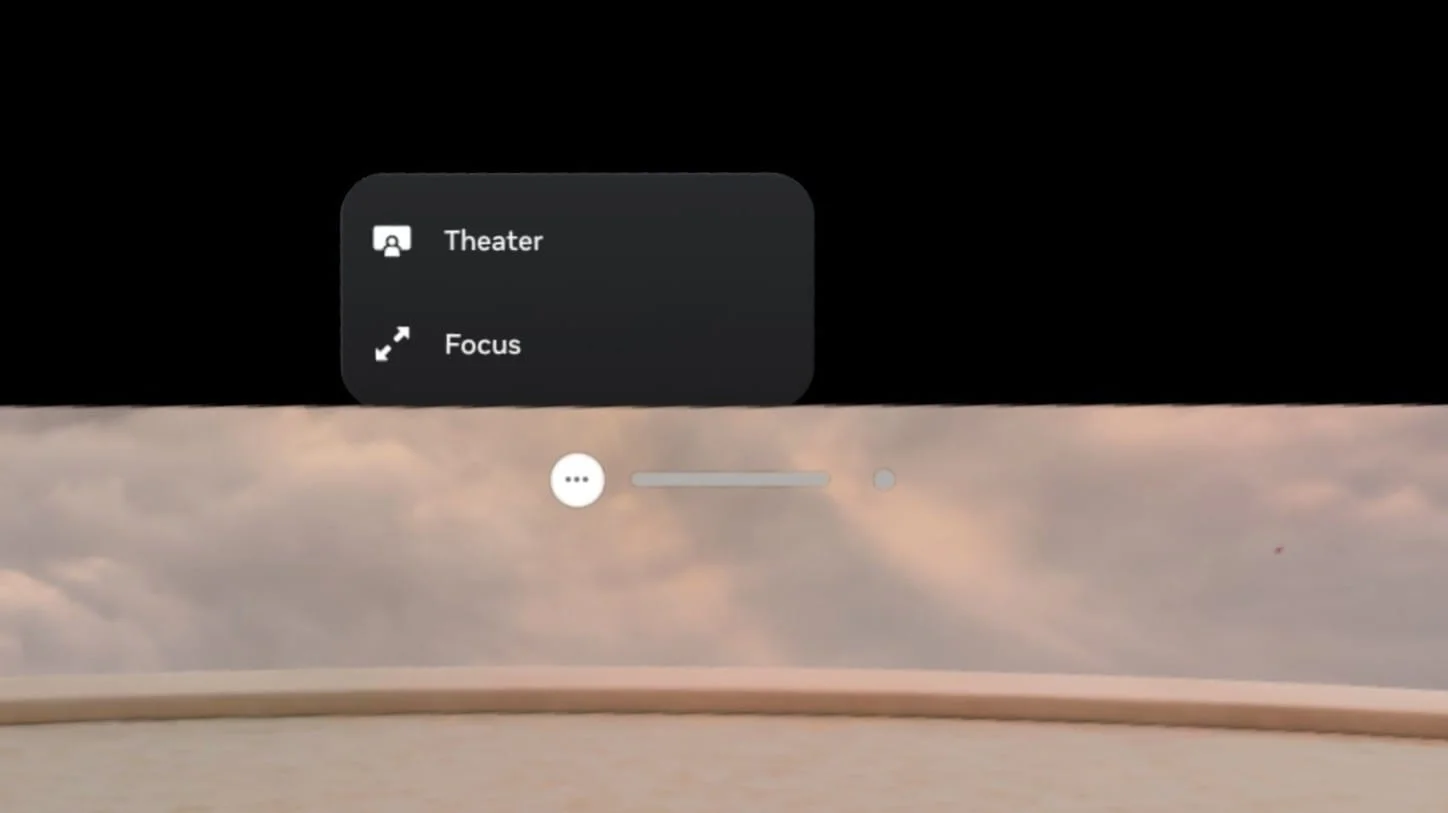
Theater is distinct from the headset’s traditional VR Home. Instead of selecting it as a general home environment, users choose the new Theater button on the window they want to place on the central screen. It sits alongside the existing Focus View control. Leaving Theater returns the user to VR Home or Passthrough.
That app centered approach makes the feature feel more like a viewing mode than a new virtual room to inhabit. Testing has confirmed support for Meta’s Media Player, Browser, YouTube, Disney+ and Amazon Prime Video. The feature also aligns with earlier reporting on Meta’s work on a virtual cinema environment.
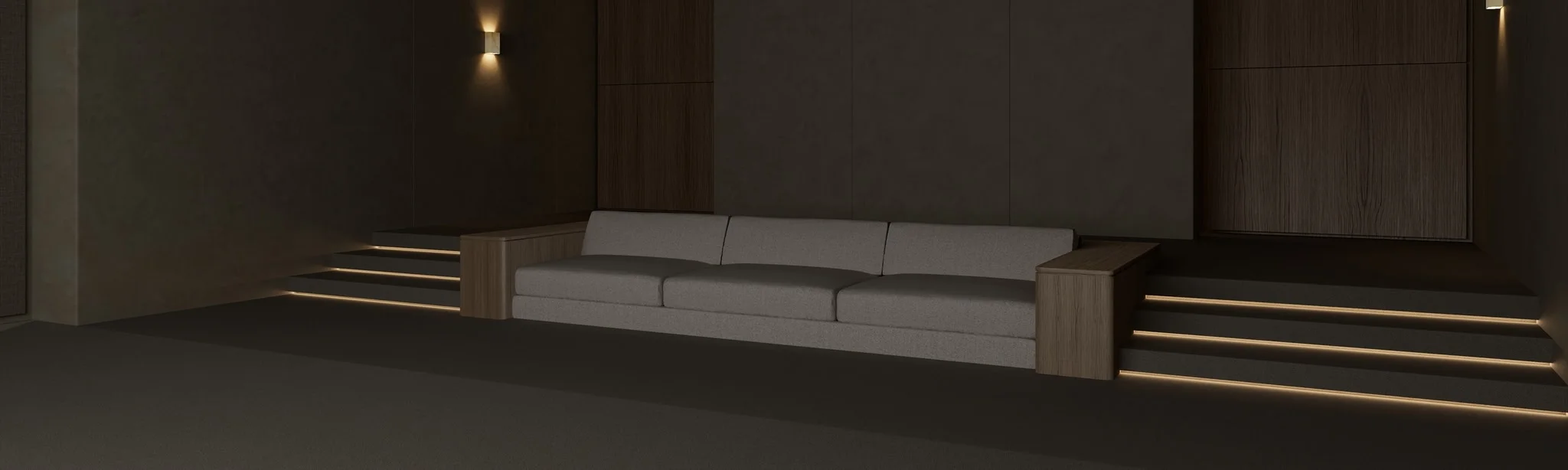
The room appears to use real time lighting that changes with the content on screen, adding some responsiveness to the viewing space. A separate effect called Dynamic Ambiance, described in earlier reporting as a hue based backlight, isn’t present in this build. Whether Meta will add it later remains unclear.
There’s a practical question underneath the visual polish: how easily can people move between watching a video and using the rest of the headset? Launching Theater from an app window gives the mode a clear entry point, while returning to VR Home or Passthrough keeps it connected to the existing environment choices. The PTC build offers a first look at that arrangement, though it doesn’t establish when or how broadly the feature will reach stable software.
A smaller, simpler Navigator
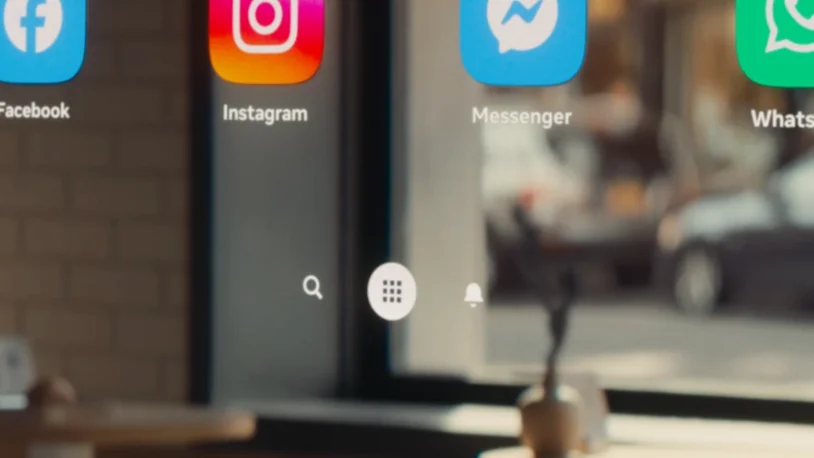
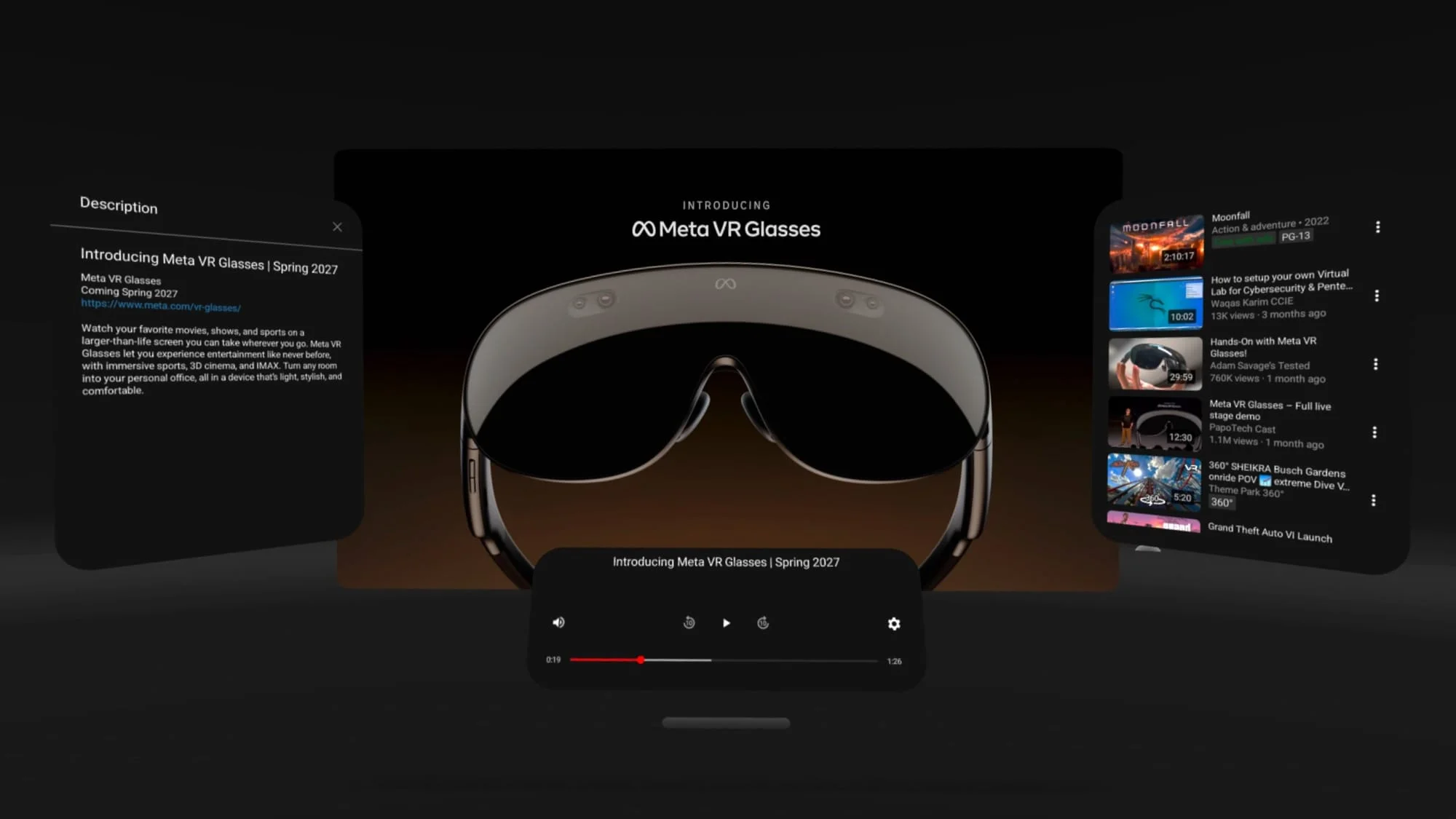
The second major change is an unannounced reorganization of the Navigator, Quest’s system launcher overlay. The interface has passed through multiple designs since it first appeared in the PTC more than a year ago, with some versions drawing criticism for their layout and visual treatment. Meta showed a more compact design in material for its VR Glasses announcement at Connect in September; Horizon OS 2.10 appears to be bringing that version to a limited set of headset users.
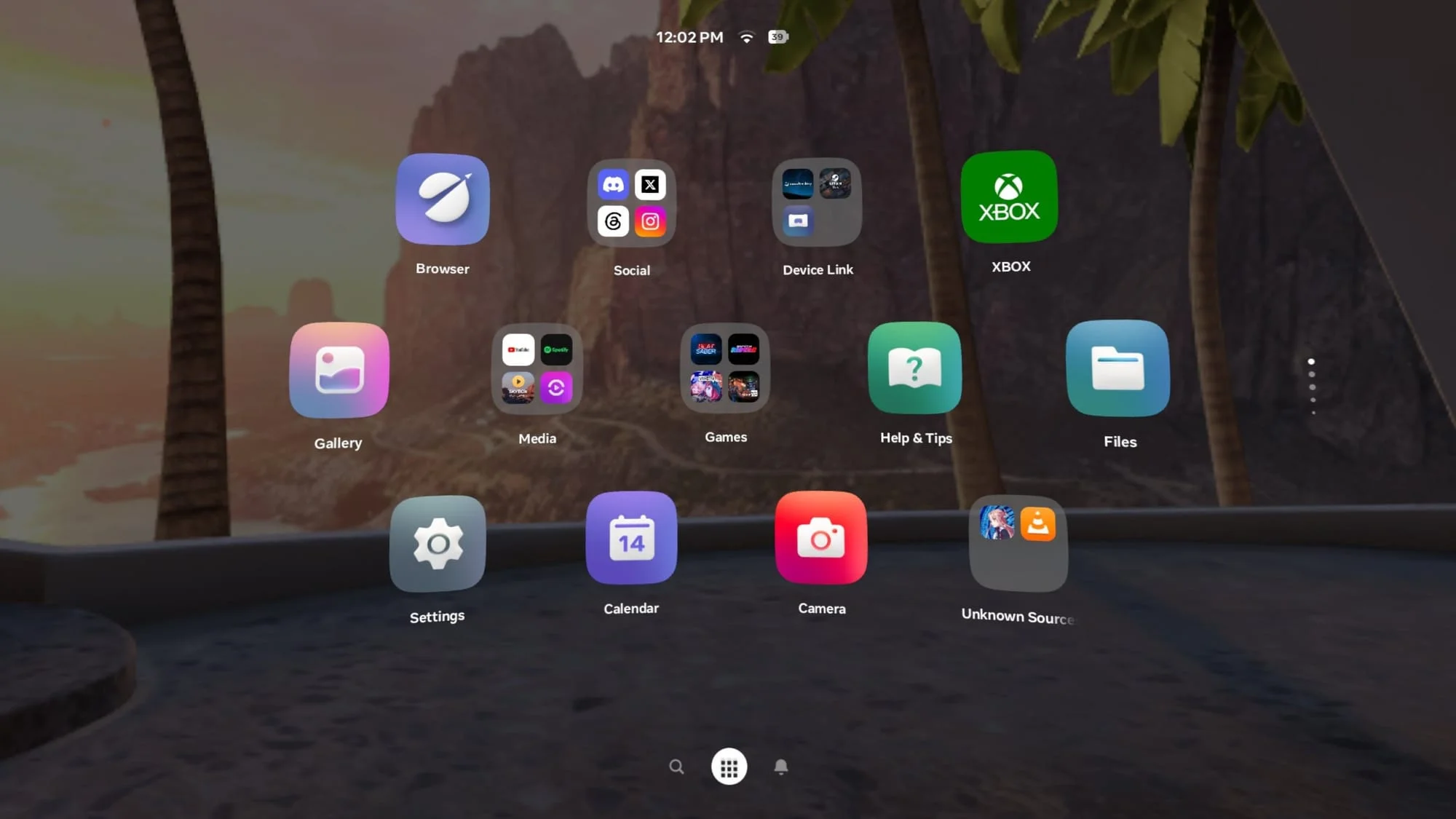
The redesign, called “Simplified Navigator” in the firmware, removes the Me, People, Quick Controls, Show/Hide Windows and Environment/App buttons. It also drops the Library’s left hand filters from the main view. Search, Library and Notifications become the three primary tabs, shifting the overlay toward a shorter set of destinations.
Quick Controls now sit behind the clock, Wi-Fi and battery display at the top of the overlay. Opening them reveals a grid of larger buttons, including a control for switching between VR Home and Passthrough. The change brings environment switching into a more direct control panel, even as the old dedicated Environment/App button disappears.
The Library’s new default Grid View uses app folders similar to those introduced in Horizon OS 2.4 PTC. A separate “Unknown Sources” folder groups sideloaded apps. But this simplified view also removes useful ways to narrow the list: users can’t filter it to installed apps or identify apps with updates available. Instead, it can show all content available to the account, including apps that aren’t installed.
A List View offers a partial workaround. Pressing the Library button again opens it, and the previous filters remain available there. That leaves a tradeoff in the current design: the default view looks cleaner, but users who depend on filtering have to switch layouts to recover those controls.
Other adjustments make active headset use more legible. Privacy indicators for permissions that are active or were recently used now appear green, replacing the previous muted purple. When a user is inside an immersive app, a bubble above the Library button provides a prominent way to quit. That small addition addresses a recurring navigation frustration by making the exit action easier to find.
These are substantial changes to a familiar overlay, and the current PTC version may feel disruptive to people who have adapted to the older layout. The earlier Navigator iterations and the later redesign work show how much the launcher has shifted. Meta’s first PTC version of Navigator appeared more than a year ago. The new build looks like another step in a longer refinement process, particularly as Meta’s VR Glasses approach launch.
Smaller changes affect daily use
Window resizing has also improved, though Meta didn’t list the change in its release notes. The clearest benefit appears in apps with fixed aspect ratios, such as YouTube. Resizing those windows now produces smoother scaling, with fewer conspicuous stutters and jumps. It’s a modest adjustment, but one users may notice repeatedly when arranging media windows.
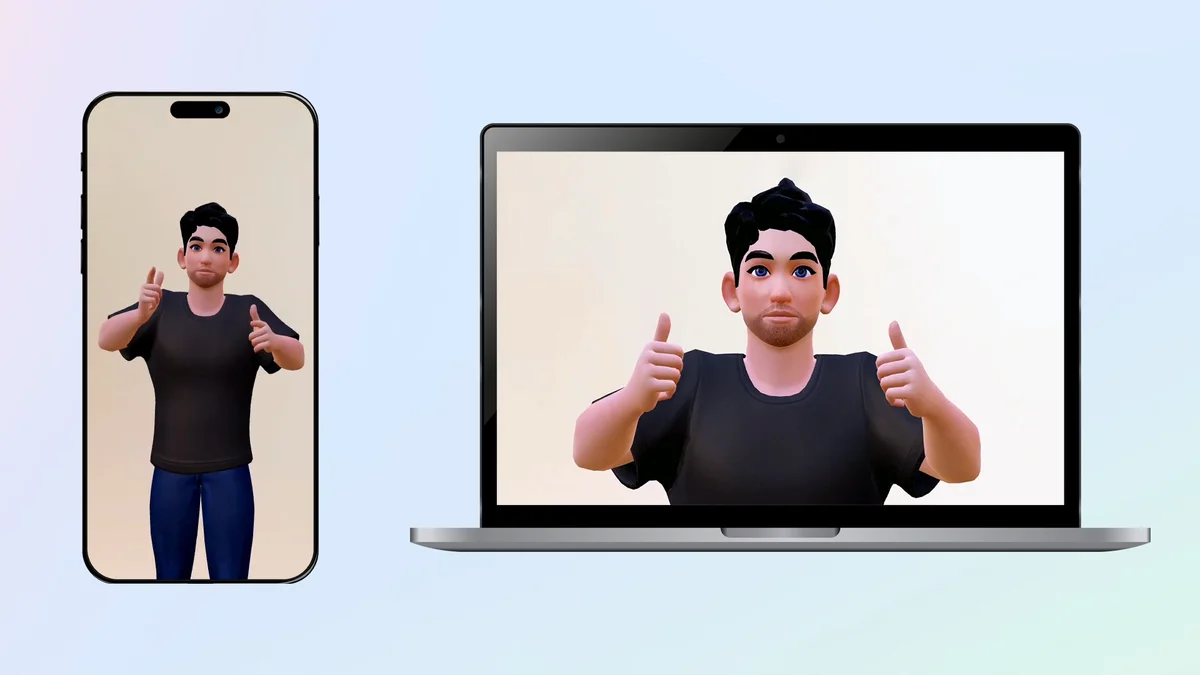
Horizon OS 2.10 PTC also brings avatar video calls to Meta’s Chats app. During an active call, selecting the video icon in the call bar switches between an avatar video call and audio only. Meta first introduced its “Selfie Camera” capability in v76 PTC more than a year ago; third party apps including Discord and Zoom already use it.
Putting the capability into Chats extends it to Meta’s own calling experience. It may also provide groundwork for Hologram Calling on Meta VR Glasses, a feature discussed in previous reporting. The relationship is a possibility, rather than a confirmed connection in the current release.
 David Heaney
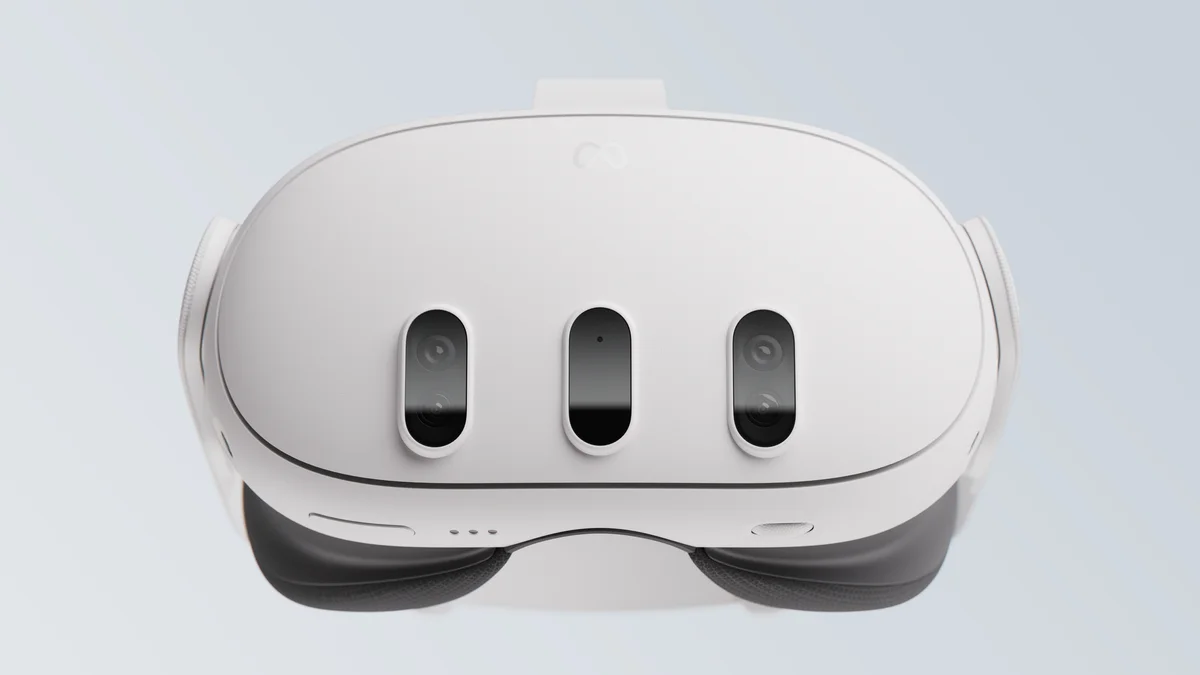
One less clear change concerns external microphones. The update removes the toggle from the Experimental menu, where it had appeared since v64 in April 2024. That setting enabled external microphones on Quest 3 through USB-C, including USB-C microphones and microphones connected through an adapter.
In testing, external microphone support still worked after the toggle disappeared. The release doesn’t clarify whether Meta intends to make the feature a standard system option or plans to remove it. Users who rely on USB-C audio gear will need to watch how the behavior changes in later builds.
 David Heaney
Meta also says the update improves how Quest checks whether websites and online services are authentic before users visit them. The description doesn’t specify whether the change belongs to the Browser or to the system level anti malware service introduced in Horizon OS v85.
What the beta signals
Theater and the Navigator redesign stand out because they reshape how Quest sessions begin and what users do with a window once it’s open. The theater mode gives media apps a dedicated setting, while the launcher changes reduce the number of top level choices and make app exit easier to spot. The Library’s missing filters show that the cleaner presentation still needs practical refinement.
Horizon OS 2.10 is in the Public Test Channel, Meta’s opt in beta program for pre release system software. PTC features don’t always arrive in stable releases, and supported features can reach individual headsets gradually. For now, the clearest read is that Meta is testing a more media focused Quest experience and a leaner system interface; the next builds will show whether it can keep the simpler layout without making everyday app management harder.


Discussion
Sign in to join the discussion.